Scan only
Staff scan the ticket’s QR code and see instantly whether entry is allowed. You can choose which products to check, for example entry to a restricted area or to a single session.

Staff scan tickets from the Web App, see instantly whether entry is allowed and, if needed, print the badge on site. No lines at the entrance.
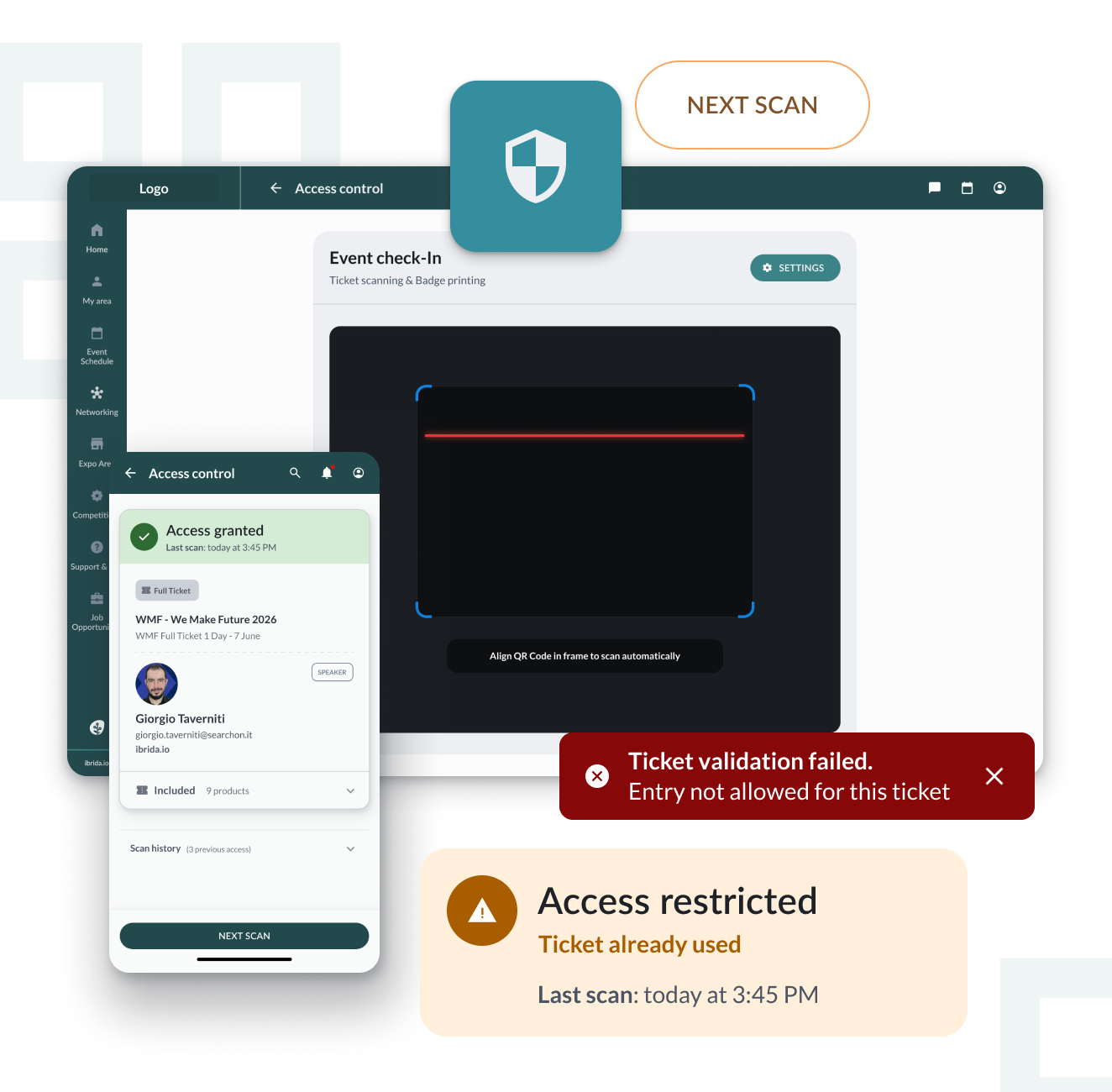
Choose how to manage entry to your event: ticket check only, or check plus badge printing.
Staff scan the ticket’s QR code and see instantly whether entry is allowed. You can choose which products to check, for example entry to a restricted area or to a single session.
When the ticket is scanned, the attendee’s badge goes straight to print. It’s the ideal solution for trade shows, exhibitions and events that require a physical pass.
Staff point the smartphone camera at the QR code and the scan starts automatically. If needed, the code can also be entered manually.
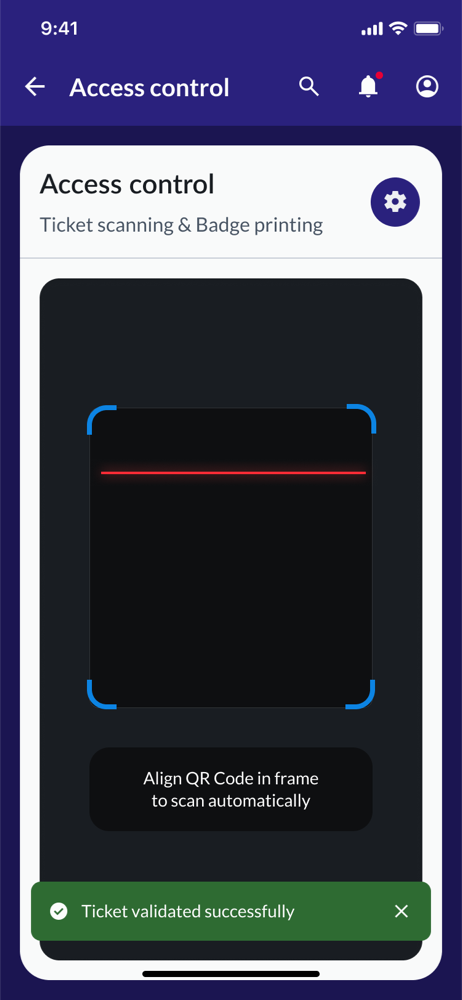
The status appears on screen right away: entry allowed, ticket already used, or ticket invalid because it belongs to another event or another edition.
Along with the result, you see the attendee and ticket details, with the history of previous scans, including date and time.
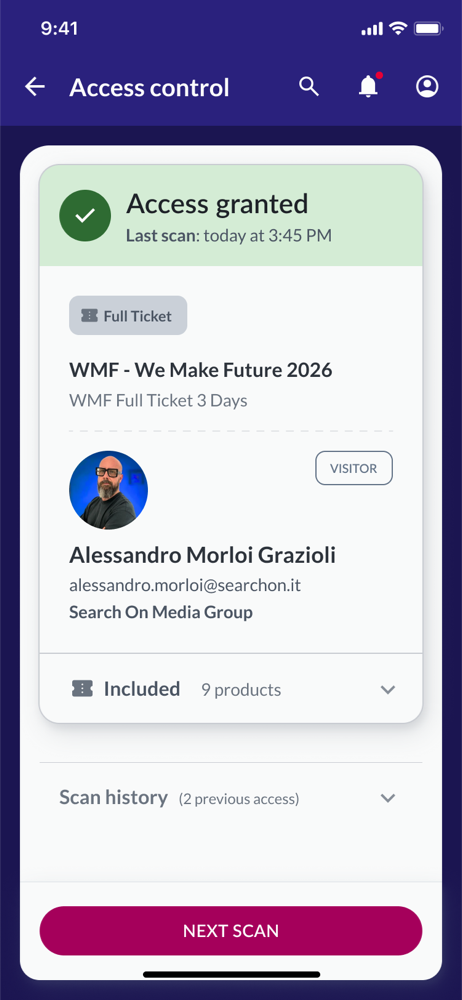
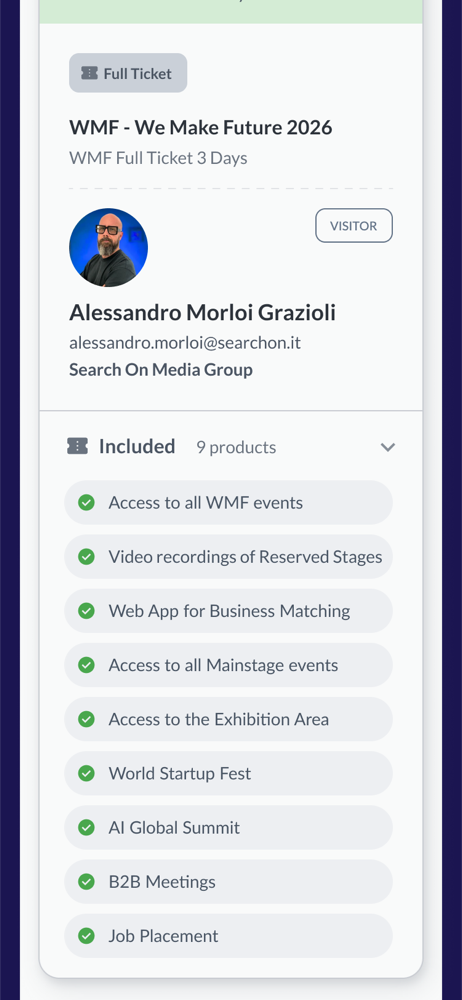
With one tap, open the list of products included in the ticket: areas, sessions, B2B meetings and services the attendee is entitled to.
If printing is enabled, the badge is sent to the network printer as soon as the ticket is validated. If something goes wrong, you can reprint with one tap.
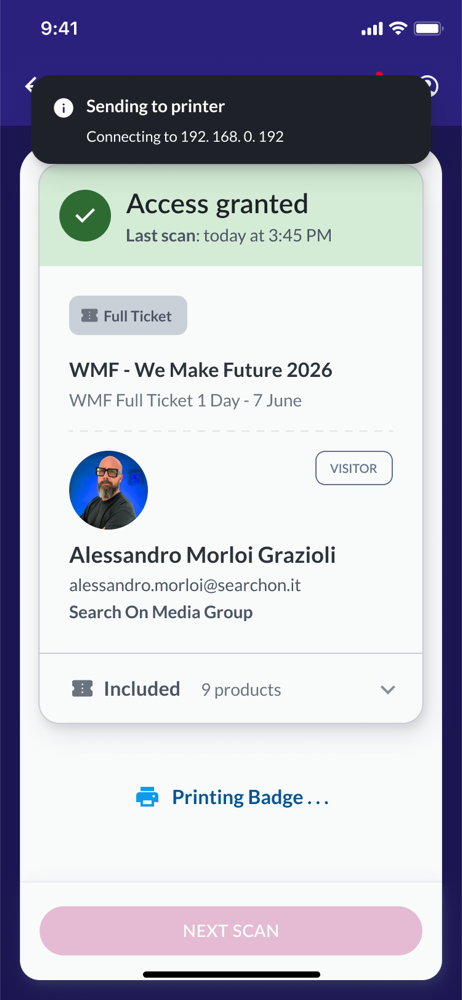
Faster entry for attendees and full control for organizers.
The feature appears in the menu only for users you give permission to: the people managing entry use it, attendees don’t see it.
Each ticket can be used only once: the system immediately flags tickets that have already been used or belong to another event or edition.
For each attendee you have the entry history with date and time, useful for managing attendee flow and checking any disputes.
For trade shows and exhibitions, the badge is printed at the entrance, with no need to prepare and distribute passes in advance.
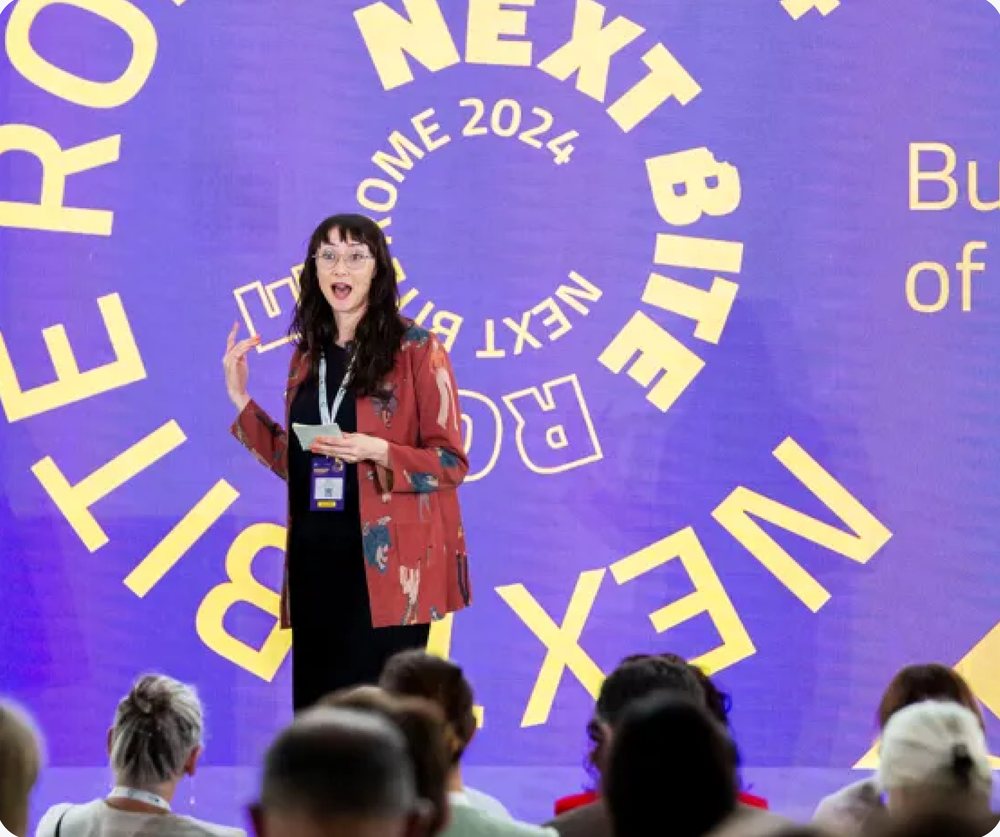
NEXT BITE · 2024 EDITION
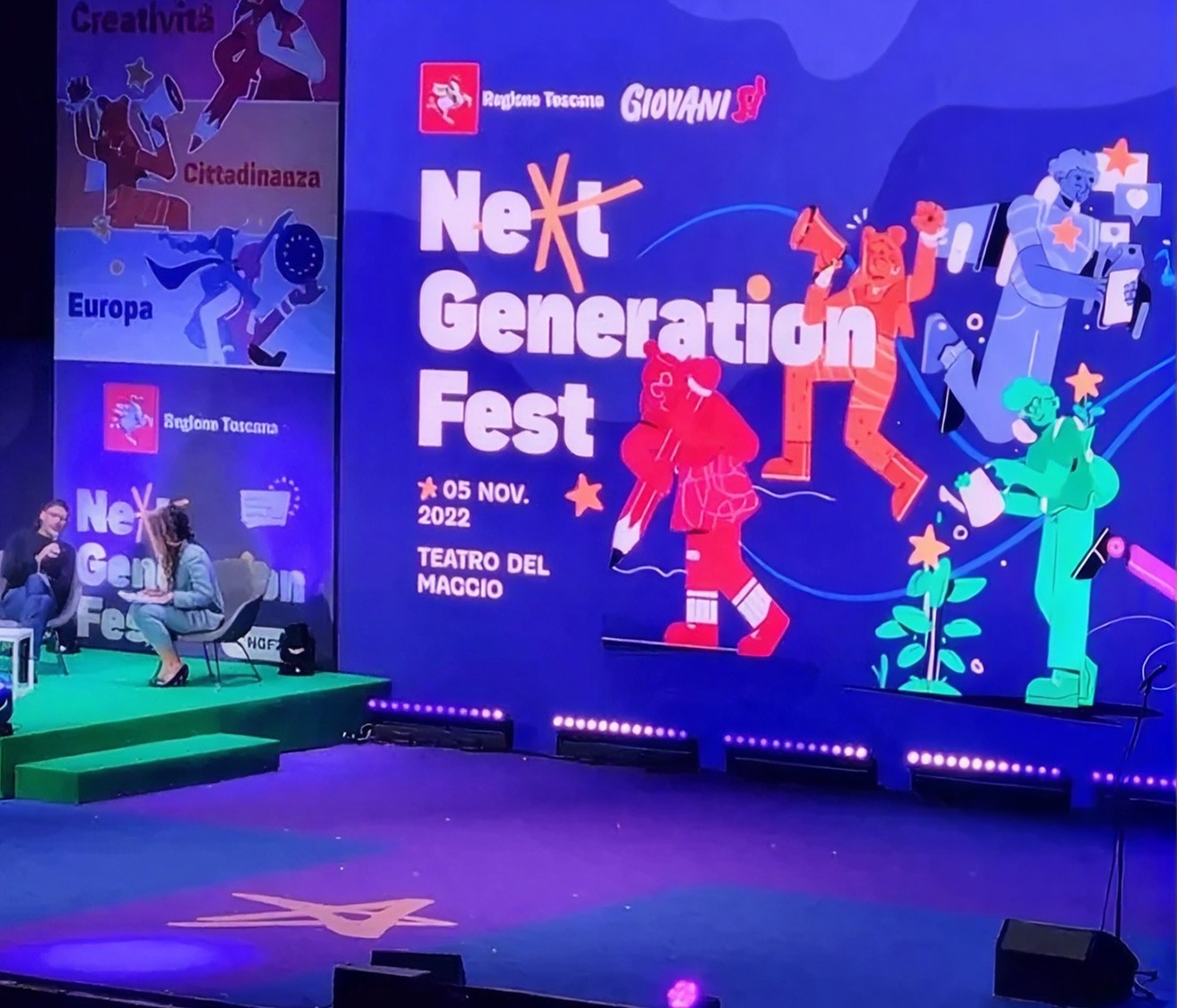
NEXT GENERATION FEST

EUROPEAN RESEARCHERS’ NIGHT


Discover our most advanced features and how we take event management, smart networking and interactive experiences to the next level.
All the data on user activity in the platform, for the entire event.
Learn morePush and desktop notifications to alert users at key moments.
Learn moreFinding your way on site is easy, with a map that highlights booths, stages and main areas.
Learn moreTell us about your event idea. Our experts will get back to you within 24 business hours with tailored suggestions, demo details or strategic advice.
Already organizing an event, or need immediate help with the platform?
Talk to an expert